

NV Casino App for Android and iOS Mobile Devices
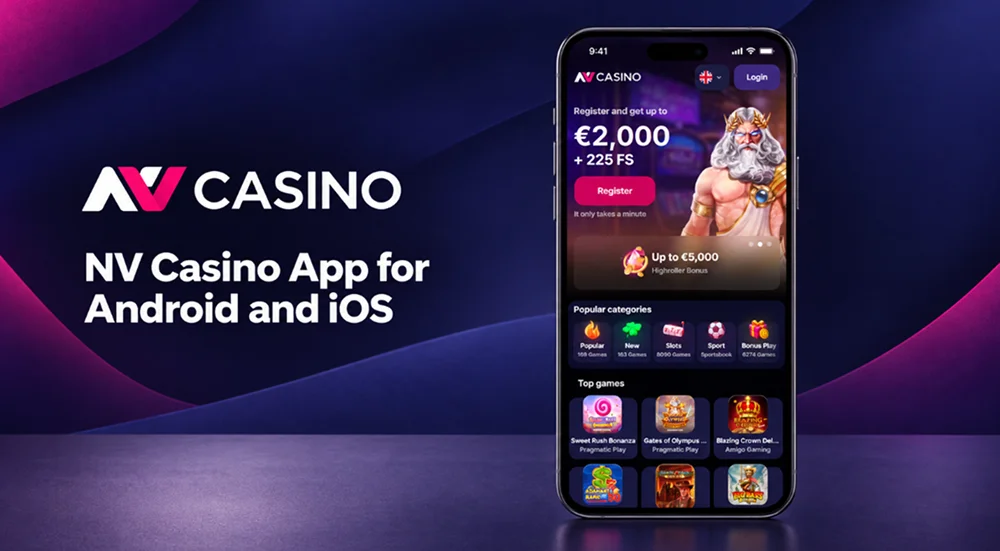
On a phone, the NV Casino app reorganises the casino around a smaller touch screen instead of loading a reduced desktop layout. Game categories, account data, active bonuses and transaction history remain tied to the registered profile when the device changes. Separate versions serve Android phones, iPhones and compatible tablets. Each operating system follows its own installation and update process, while the mobile website works without downloaded software.
Main Features of the Mobile Application
Opening App NV Casino on a smartphone changes the layout rather than reducing the available casino functions. The navigation fits a vertical screen, game controls respond to touch input, and the cashier opens without moving to a desktop computer. Portrait mode works for browsing, while individual games can switch to landscape mode when their design requires more horizontal space.
The application contains several functions developed specifically for mobile devices:
- Biometric login: Face ID, Touch ID or the fingerprint system installed on the phone can confirm access without entering the password during every session.
- Haptic feedback: Compatible devices produce a short vibration when selected controls respond. This option can be changed in the device settings.
- Push notifications: Account holders can receive notices about bonuses, free spins, tournaments and new releases.
- Game search: Titles can be found by entering a game or provider name instead of scrolling through the full lobby.
- Category filters: Separate tabs lead to slots, live tables, Insta Games, jackpots and recently added titles.
- Cashier access: Deposit and withdrawal options appear according to the registered country and account currency.
- Demo play: Games with a Demo button can be opened without placing a real-money wager.
The mobile lobby contains the same individual game pages used on the website. Coin Win: Hold The Spin by Gamzix, Joker Stoker by Endorphina and Sweet Bonanza 1000 by Pragmatic Play are among the named titles available through the NV Casino app. Other listed examples include Demi Gods V, Book of Fallen, Majestic Winter and Hell Hot 100.
NV Casino App Download Process on Any Device
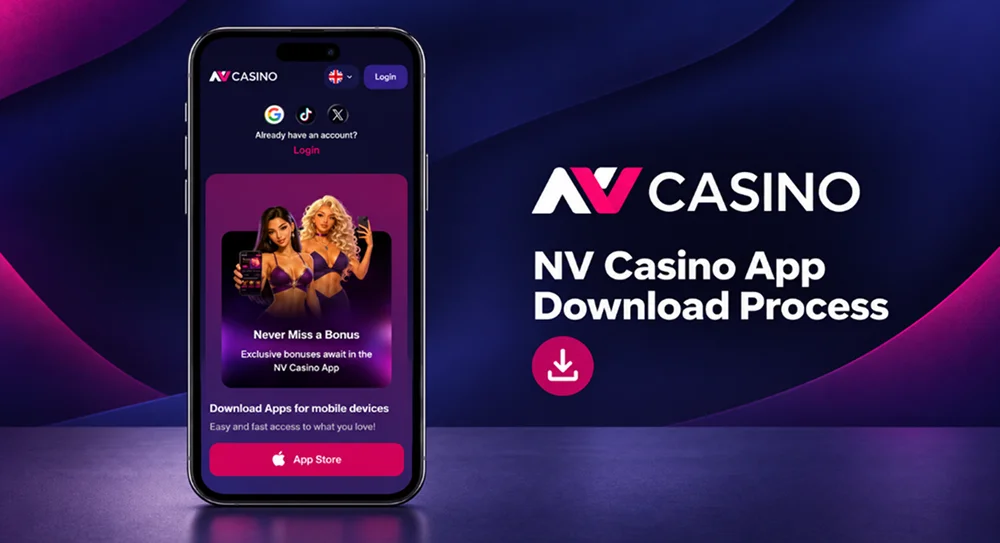
The correct installation route depends on the operating system. The Android app receives a package in APK format. Apple controls iPhone distribution through the App Store, so no separate iOS installation file should be downloaded from another website.
Our NV Casino app download page contains an Install Application button and a QR code. Opening the page on a phone sends the device to the relevant download route. When the page is open on a computer, the QR code transfers that route to the smartphone camera.
Before starting, check the following points:
- Android must run version 6.0 or later.
- An iPhone must run iOS 12.0 or later.
- The device needs enough free storage for the installation and later updates.
- A stable Wi-Fi or mobile data connection must remain active until the package finishes downloading.
- The download must begin from the official website or the App Store listing reached through our website.
Desktop Access Through a Web Browser
Windows and macOS do not need the Android or iOS package. Desktop access runs through the NV Casino mobile website in a current browser such as Chrome, Firefox, Safari or Microsoft Edge. This route avoids a separate desktop installer and loads the latest website version whenever the page opens.
Desktop access suits live dealer tables and game shows that contain several betting panels around the video stream. A larger display leaves more room for the table, bet limits and round history. The NV Casino app remains more practical for biometric login and push notifications.
Installing the NV Casino App on Android
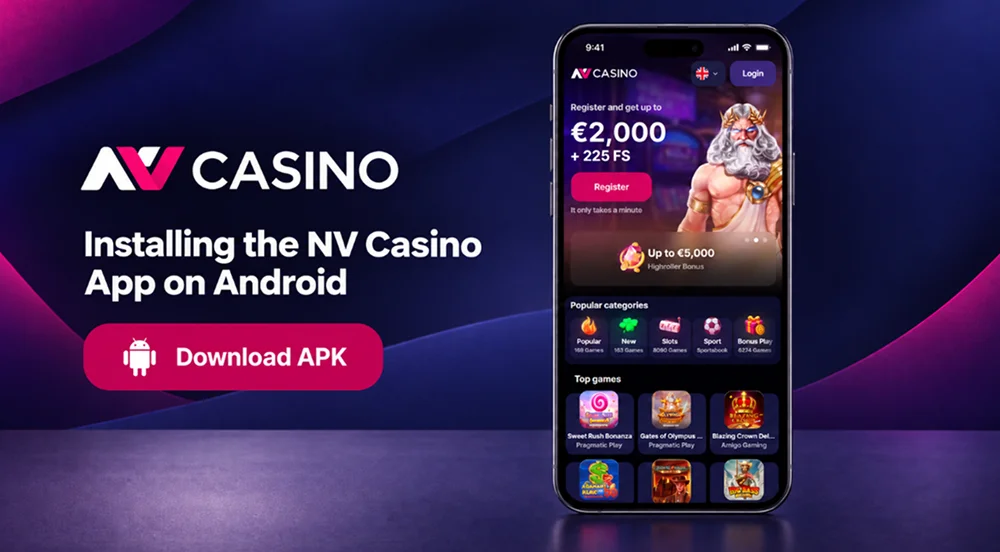
Android installation uses an APK because the application file comes from our download page. The operating system may initially block it because it did not arrive through Google Play. This warning describes the distribution route; it does not mean that permission should be granted to every downloaded file.
Complete the installation as follows:
- Open the NV Casino Android app page. Enter the application through the phone browser and select Install Application. A QR code scanned from another screen leads to the same download page.
- Choose the Android version. Confirm that the page identifies Android before pressing Download. The phone will save a file with the .apk extension.
- Wait for the package to finish. Do not open a partial download or rename the file. The Android notification panel shows when the transfer has completed.
- Permit installation from the browser. Android may open a security screen for Chrome, Samsung Internet or the browser used for the download. Enable permission for that browser only, rather than allowing every unknown source.
- Run the security check. Google Play Protect can scan the APK before installation. Stop if Android reports that the file name, signature or source does not match the package obtained from our website.
- Open the APK and select Install. Android will show the permissions requested by the application. Read this screen before confirming the installation.
- Launch the application. Enter the existing login details or complete registration from the displayed form. Biometric login can be enabled after the first successful password entry.
- Remove the temporary permission. Return to the Android security settings and disable installation from unknown sources for the browser. The permission is not required for ordinary use of the application.
Android updates should also follow the notice shown inside the installed application. Do not replace the official package with a modified NV Casino APK from a download directory, forum or file-sharing service. An unofficial build may contain altered payment screens or capture login information.
Installation Process for iPhone and iOS Devices
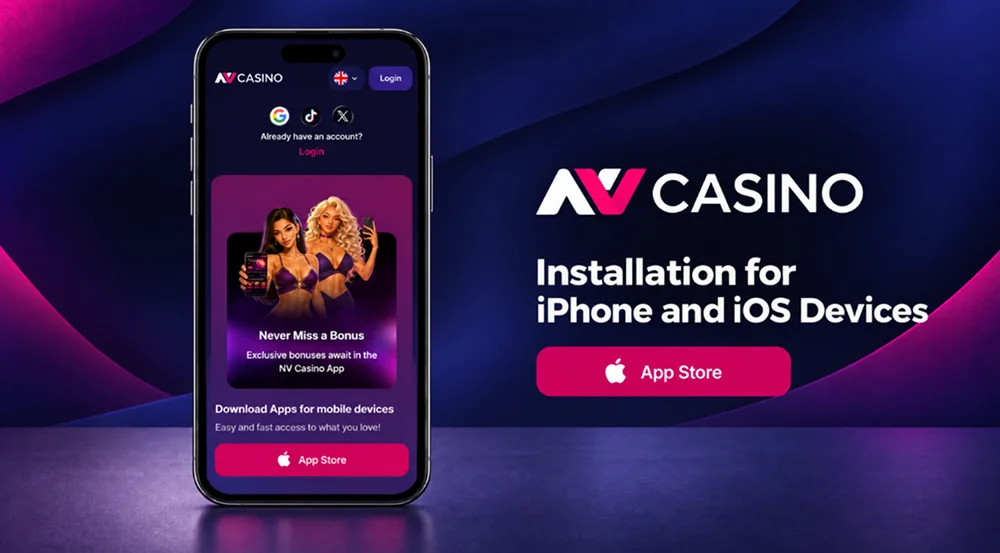
The iOS version follows Apple’s distribution system. It does not require an iPhone owner to enable unknown sources or open an external installation package. The NV Casino download link on our mobile page redirects the device to the relevant App Store listing.
Installation takes the following route:
- Open the NV Casino iOS page in Safari. Select Install Application or scan the displayed QR code with the iPhone camera. The operating system will continue in the App Store.
- Check the App Store listing. Confirm the application name before pressing Get. Do not install a similarly named product reached through an advertisement or an unrelated search result.
- Approve the download. Apple may request Face ID, Touch ID or the Apple ID password. This confirmation belongs to the App Store and is separate from the login.
- Wait for the icon to appear. The progress circle on the home screen shows the remaining installation time. Opening the icon before the download ends will not start the NV Casino application.
- Sign in to the official website. Use the credentials already registered on the website or create a profile from the available registration form. A second casino registration is not needed when moving from desktop to iPhone.
- Set the notification preference. iOS asks for permission before the first promotional or service alert can appear. The choice can be changed later under Settings → Notifications.
If the App Store does not show the application for the selected Apple ID region, use the mobile website. Changing the store region only to obtain a gambling application can affect subscriptions, payment methods and other Apple services.
Comparing NV Casino Apps for iOS and Android
Android and iOS reach the same casino profile, but the installation process is not identical. Android gives the customer direct control over the APK, while Apple keeps the package inside the App Store system. This difference affects permissions, security checks and updates rather than the balance or game history.
| Point of comparison | Android application | iOS application |
|---|---|---|
| Minimum system version | Android 6.0 or later | iOS 12.0 or later |
| Distribution | APK from the website | Apple App Store |
| Download route | Install button or QR code | App Store link or QR code |
| Manual package opening | Required | Not required |
| External-source permission | Required for the browser used to download the APK | Not required |
| Installation confirmation | Android package installer | Face ID, Touch ID or Apple ID confirmation |
| Security check | Google Play Protect can scan the APK | Apple checks the distributed App Store package |
| Biometric login | Fingerprint or supported face recognition | Face ID or Touch ID |
| Updates | Notice inside the application | Application notice and App Store update controls |
| Haptic response | Depends on Android hardware and settings | Depends on iPhone model and iOS settings |
The Android route has more manual steps because the phone must accept a package downloaded through the browser. It also allows the source file to be checked before installation. On iPhone, Apple manages the NV Casino app package and keeps the file itself outside the customer’s normal storage.
Interface details can differ between the two versions. Apple and Android use separate navigation standards, permission windows and biometric systems. These visual differences do not change the rules attached to a bonus, the result of a game round or the amount held in the casino balance.
Mobile Website Access Without Installing an App
Entering the NV Casino mobile website through a phone browser opens a layout built for smaller screens. No APK, App Store visit or storage allocation is required. The browser version receives website changes directly, so it never waits for a separate application update.
This option is useful in several situations:
- The device does not meet Android 6.0 or iOS 12.0 requirements.
- Company or parental controls block software installation.
- Available storage is too limited for another application.
- The App Store listing is unavailable for the Apple ID region.
- The customer prefers not to enable external-source installation on Android.
- Casino access is occasional and a permanent home-screen icon is unnecessary.
The mobile website retains the game search, category menu, profile area and cashier. Supported titles open inside the browser window, including slots and live dealer games.
Security Features Available on the NV Casino Mobile App
Biometric authentication protects the login stage on compatible phones. Face ID, Touch ID and Android fingerprint checks take place within the operating system. The NV Casino app receives only a successful or unsuccessful authentication result; we do not receive or store the fingerprint or facial template held by the device.
The application and the customer both have a role in keeping access secure:
- Download Android files only from the domain.
- Reach the iOS listing through our installation link or QR code.
- Keep the operating system and application on supported versions.
- Use a password that is not shared with email, banking or social media services.
- Enable biometric login only on a personal device.
- Do not save credentials in a browser used by several people.
- Reject requests to send passwords or verification codes through chat.
- Log out before selling, repairing or giving the phone to another person.
An APK obtained from an unofficial mirror cannot be treated as the NV Casino app simply because it uses the same name or logo. Modified packages may imitate the login page and redirect deposits to another service. Delete the file if the browser was redirected through an unrelated domain during download.
Push Notifications and Regular Application Updates
Push notifications are optional. They can report a new promotion, free-spin allocation, tournament start or recently released game without requiring the application to remain open. Some mobile promotions may also be linked to notification subscribers, but the message itself does not remove the conditions attached to the reward.
Alerts may relate to:
- Personal bonus offers;
- Free spins added to the profile;
- Tournaments and seasonal events;
- New casino releases;
- Expiring promotional periods;
- Available application updates;
- Security or service information.
Notification permission can be withdrawn from the phone settings. Android places the control under the application’s notification menu, while iOS uses Settings → Notifications → NV Casino App. Disabling promotional alerts does not close the casino profile or remove access through the application.
Updates serve a different purpose from promotional messages. A new build may correct a display error, adjust support for a recent operating-system version or change the way a device permission works. Security corrections should be installed before returning to deposits or real-money games.
FAQ
Yes. NV Casino has applications for Android smartphones and iPhones. NV Casino Android customers download an APK from our website, while the iOS version is installed through the Apple App Store.
The Android application requires Android 6.0 or a later version. The iPhone application requires iOS 12.0 or later. Enough free storage and a stable internet connection are also required for installation and updates.
Yes. Enter the same email address and password used on the NV Casino website. Your balance, bonuses, loyalty status and transaction history remain linked to the registered profile.
Yes. The mobile cashier supports deposits and withdrawal requests. Available payment methods and transaction limits depend on the registered country, account currency and payment provider.
The official Android APK comes directly from NV Casino, while Apple distributes the iOS version through the App Store. Encrypted connections protect data sent between the device and our servers. Avoid APK mirrors, modified applications and links received from unknown senders.